Latest Google Sheets automation guides
Build live dashboards, connect structured data, and replace repetitive spreadsheet work with workflows your team can operate every day.
Read the latest dashboard guidePractical walkthroughs for connected dashboards, internal apps, and the workflows teams still run in spreadsheets.
Build live dashboards, connect structured data, and replace repetitive spreadsheet work with workflows your team can operate every day.
Read the latest dashboard guideLearn how to turn an existing process into a focused app without starting a software project or adding another engineering ticket.
Learn how internal tools workUse formulas and live connections when Sheets is enough, then recognize when a connected app will be easier for the team to maintain.
Browse the dashboard tutorialCompare the cost of a general-purpose platform, a developer-focused builder, and a focused app built on data your team already owns.
Compare internal tool approachesSee how GoodTaco connects through OAuth, reads the real schema, and creates purpose-built views without replacing the source system.
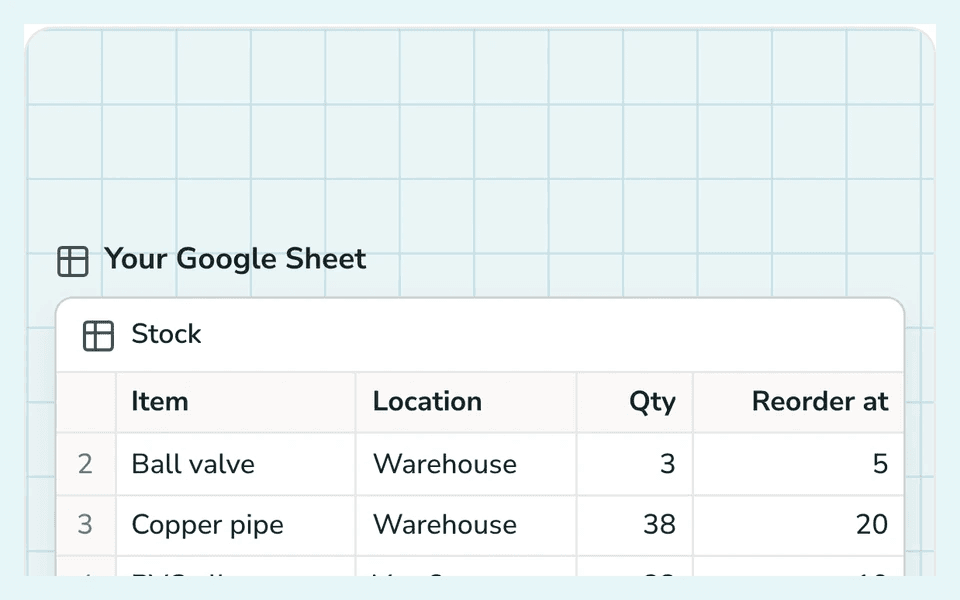
Explore live integrationsIf you're keeping track of inventory in a spreadsheet, you already have most of what an inventory management app needs: item names, quantities, locations, maybe a reorder threshold. What you don't have is a way for your team to check stock, get alerted when something's running low, or update a count without opening the sheet itself and hoping they don't break a formula.
Learn how to automate Google Sheets without Apps Script, using formulas, forms, conditional formatting, and GoodTaco for real workflow automation.
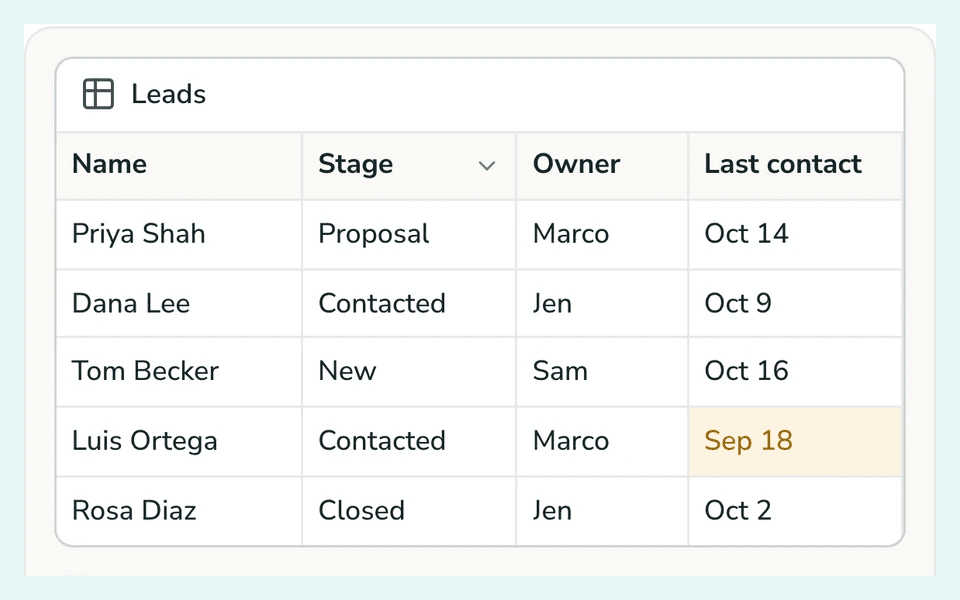
If you're managing contacts and deals in a Google Sheet, you already have the foundation of a CRM. What you don't have is a way for your team to see pipeline stages at a glance, know who owns which lead, or update a deal without accidentally editing someone else's row. That's the gap between a spreadsheet with contact data in it and an actual CRM.
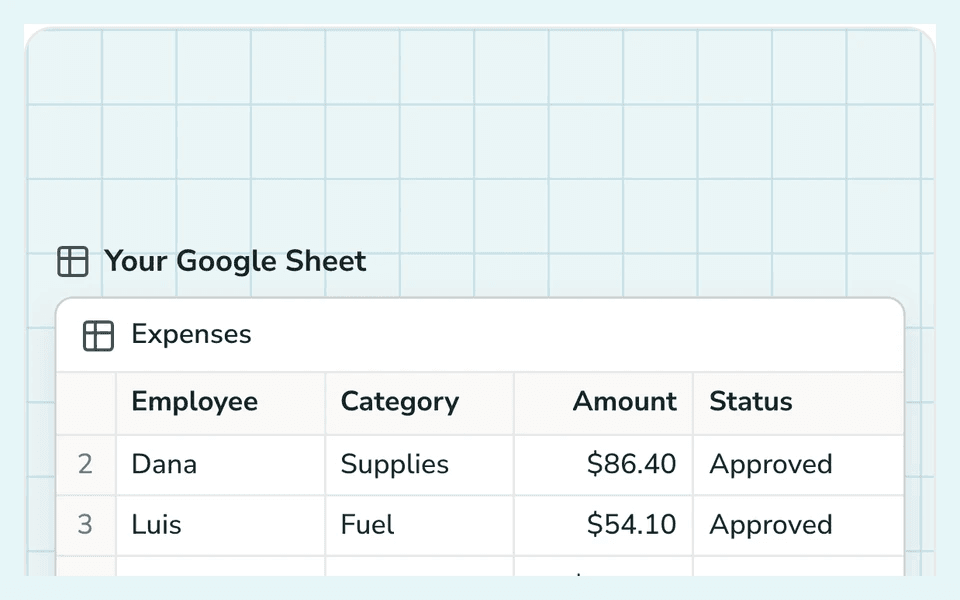
Every small business tracks expenses somehow, whether that's a shoebox of receipts, a spreadsheet, or dedicated software. The method that works changes as the business grows. What's fine for one person keeping a few receipts a month falls apart once there's a team submitting expenses, approvals to route, and reimbursements to keep straight.
You can turn a Google Sheet into a real app without writing any code. Connect your sheet to a no-code app builder, describe the app you want in plain language, set who can view and edit, then test and share it. Your spreadsheet stays the source of truth, and the app becomes the interface your team uses on top of it. The whole process takes about 15 minutes.
You don't need a developer or a CRM to build a working app from your Google Sheet. See how real estate agents can log field leads in minutes, with no code.
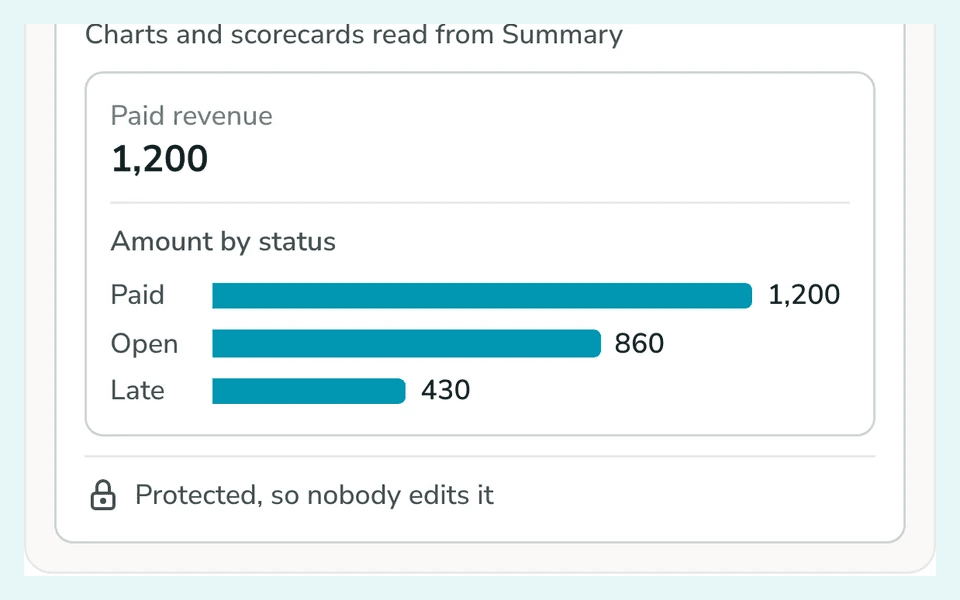
Gather your data on one sheet, build your summaries and charts on a separate Dashboard tab, then lock it so viewers can't accidentally break it. This guide walks through every step.
Build a Google Sheets dashboard that refreshes itself. Learn the formulas, connected data sources, and automation steps that end manual exports for good.
Slack is great for chat, terrible for approvals—here’s how GoodTaco turns messy threads into a structured workflow in minutes.
Hosting platforms like Vercel are great for web apps, but internal tools need built-in auth, integrations, and access control. Here's why GoodTaco is a practical alternative.
Building a custom login system for an internal tool creates ongoing maintenance, security risk, and a parallel user directory. Here's why most teams avoid it.
Building an internal tool is one step. Getting it securely into the hands of your team is another. Here's a practical approach to connecting, deploying, and sharing custom workflow tools.
Internal tools are software built for your team, not your customers. Learn how they work, common examples, and when to build them.
Internal tools are hard to fit, slow to build, and risky when generated without data context. See how GoodTaco takes a schema-aware approach.
Internal tools are apps a team uses to run its own work, such as approval queues, inventory trackers, CRM views, support dashboards, and searchable record systems. They turn a business process into a focused interface instead of forcing everyone to work in raw tables.
Start with a specific workflow and a structured data source. Connect the source, describe what users need to see and change, review the generated first version, and refine the interface and rules through conversation.
Yes. GoodTaco can generate the interface and data operations from a plain-language description. You still decide the workflow, access rules, and acceptance criteria, but you do not need to write the application code.
Get new guides, workflow examples, and product updates delivered to your inbox.
Connect a live data source, describe the workflow, and share a working first version in minutes.